Whether you are a lighting novice or an experienced professional, mastering DMX control techniques for beam lamps and head-moving lamps will make your lighting show more stable, efficient, and expressive. This article systematically explains channel allocation, programming methods, wiring considerations, and troubleshooting techniques, starting from the differences between these two types of lamps, to help you get started quickly.
Complete Guide to DMX Control for Beam Lights and Moving Head Lights: Channel Allocation, Programming, and Troubleshooting
Whether you’re a lighting beginner or a seasoned professional, mastering DMX control techniques for beam lights and moving head lights can make your light shows more stable, efficient, and visually stunning. This comprehensive DMX512 tutorial breaks down the key differences between the two fixture types, then dives deep into channel allocation, programming methods, wiring best practices, and quick troubleshooting to help you get up to speed fast.
1. Beam Lights vs. Moving Head Lights: Core Differences
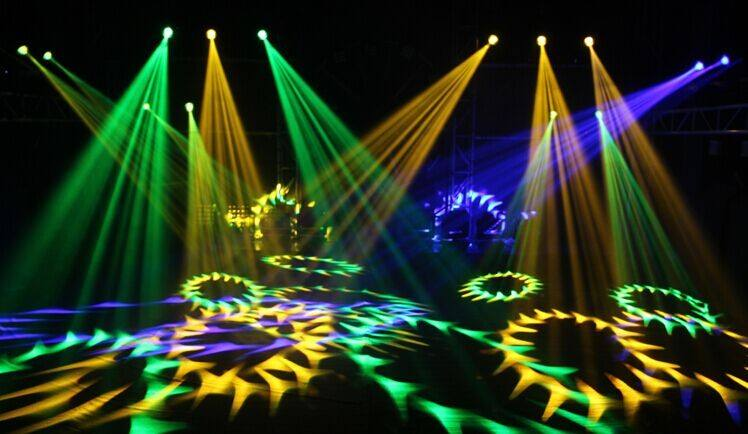
Moving Head Lights focus on pattern projection and light shaping. They typically include zoom lenses, gobo wheels, color wheels (or CMY mixing), iris, and focus controls. With beam angles from 5°–55°, they offer more channels and finer control — ideal for creative projections and stage shaping.
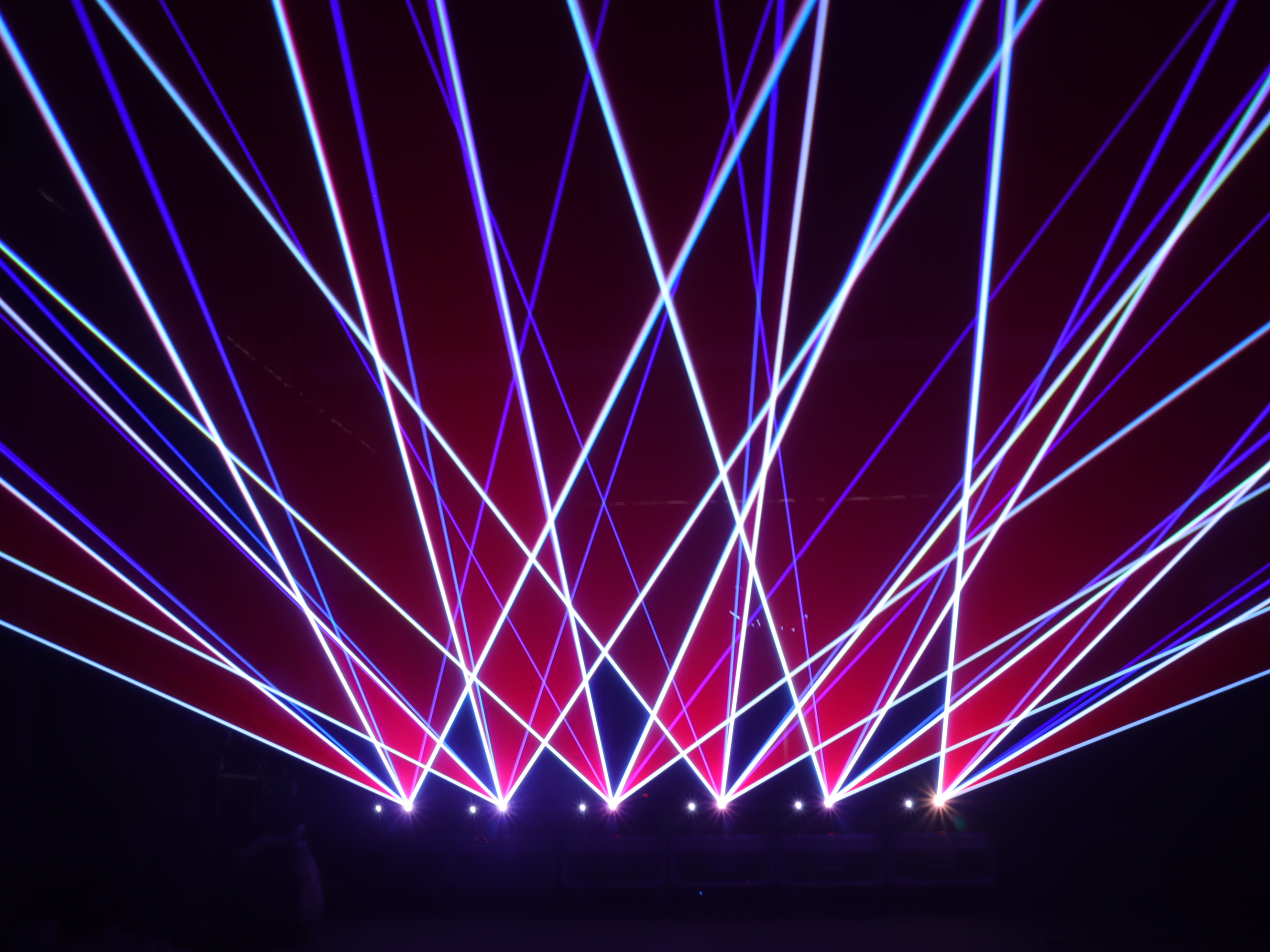
Beam Lights prioritize extreme beam effects with ultra-narrow angles (0.5°–6°), emphasizing high lumen density and rapid movement. They often feature prisms, frost filters, color wheels, and high-speed shutters. With fewer channels and faster response, they excel at aerial effects and long-distance throws.
Understanding these differences helps you choose the right channel modes and programming strategies for your setup.
2. DMX512 Basics
The DMX512 protocol transmits up to 512 channels per universe, with each channel value ranging from 0–255. Fixtures respond based on their assigned starting address.
Key concepts:
-
Starting address: The first channel the fixture reads from the DMX stream.
-
Channel footprint: The number of consecutive channels the fixture occupies (depends on its mode).
-
DMX universe: If your rig exceeds 512 channels, add a new universe.
Building on these core DMX512 principles, Seekway Innovations provides professional DMX512 controller to optimize lighting programming and system layout.
3. Choosing the Right Channel Mode
Different modes balance simplicity and advanced features. Here’s a quick comparison:
|
Mode
|
Channels
|
Typical Functions
|
Best For
|
|
Basic
|
8–12
|
Coarse Pan/Tilt, dimmer, preset colors/patterns
|
Small bars, quick events
|
|
Standard
|
16–20
|
Coarse + fine Pan/Tilt, color/gobo wheels, zoom, shutter
|
Concerts, theaters
|
|
Extended
|
24–32+
|
CMY mixing, indexed gobos, prism rotation, frost, macros
|
Complex designs, studios
|
Typical 16-channel mapping (beam/moving head example):
1. Dimmer 9. Color Wheel
2. Shutter/Strobe 10. Prism
3. Pan Coarse 11. Iris
4. Pan Fine 12. Focus/Zoom
5. Tilt Coarse 13. Macro 1
6. Tilt Fine 14. Macro 2
7. Gobo 15. Control Mode
8. Gobo Rotation 16. Reset/Info
Important: Channel mappings vary by brand and model. Always check the fixture’s manual.
4. Address Allocation: Avoiding Conflicts
Address overlap is the #1 cause of DMX headaches. Follow this simple rule:
-
Calculate each fixture’s channel footprint.
-
Set the next fixture’s starting address = previous address + footprint.
-
Leave buffer space for future expansion.
Example: Two 16-channel moving heads
- Fixture 1: Address 001 (channels 1–16)
- Fixture 2: Address 017 (channels 17–32)
- Fixture 3: Address 033 (channels 33–48)
5. Programming Techniques
5.1 Fixture Patching
- Inventory all fixtures, modes, and channel counts.
- Group similar fixtures and assign consecutive addresses.
- Load or create the correct fixture library (personality) and test Pan/Tilt, color, gobos, and macros one by one.
5.2 Movement Programming
- Use coarse + fine channels for smooth, precise motion (16-bit resolution).
- Trigger built-in movement macros for instant pre-programmed paths.
- Adjust speed channels or console timing to lock movement to the music beat.
5.3 Color & Effects
- Color macros for instant preset combinations.
- Prism effects to split beams and control rotation.
- Strobe synced to music — avoid excessively fast rates that can cause discomfort.
- Build palettes for common colors, positions, and gobos to speed up programming.
5.4 Cues, Timecode & Effects Engines
- Cues: Save complete fixture states and sequence them into a show.
- Timecode synchronization: Lock lighting changes to music or video timelines.
- Effects engines: Automatically generate fades, chases, and complex animations.
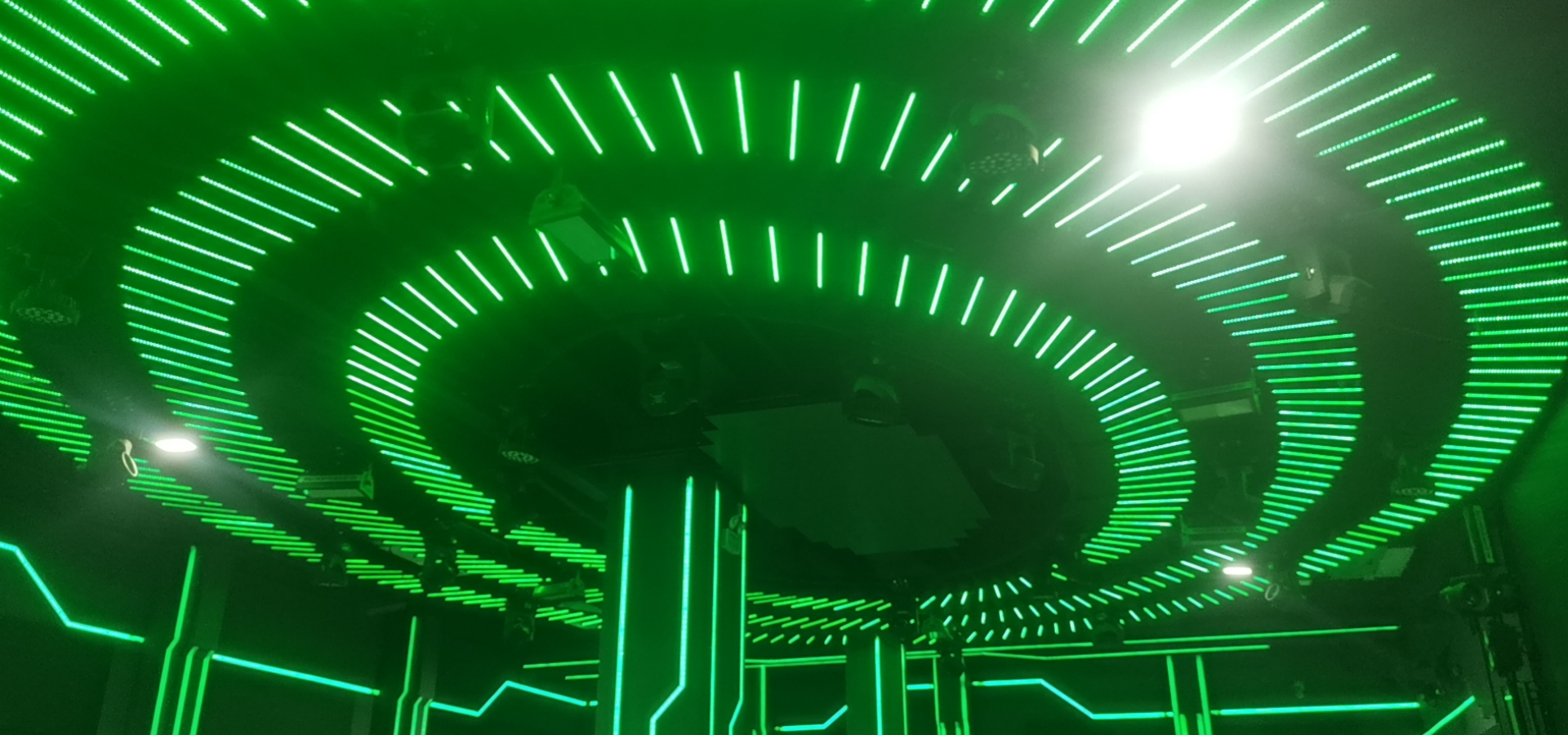
KTV LED lighting by Seekway Innovations
6. Wiring, Signal Integrity & Network Protocols
6.1 DMX Wiring Best Practices
- Use 120Ω shielded twisted-pair DMX cable only — never substitute microphone cable.
- Daisy-chain topology: Console → Fixture 1 → Fixture 2 → …
- XLR connectors: 5-pin (preferred) or 3-pin with quality adapters.
- Termination: Always install a 120Ω resistor at the end of the chain to prevent signal reflections.
- A single cable run is typically limited to ~300 m (practical safe distance; use repeaters for longer runs).
6.2 Network Protocols for Larger Systems
- Art-Net: Ethernet-based DMX transport, supports multiple universes.
- sACN: Efficient multicast protocol that reduces network congestion.
- RDM: Bi-directional communication for remote addressing, device discovery, and monitoring.
7. Quick Troubleshooting Guide
|
Symptom
|
Possible Cause
|
Troubleshooting Steps
|
|
Fixture does not respond
|
Signal loss / wrong address
|
Verify DMX mode, address, cable; test one fixture directly
|
|
Multiple fixtures move together
|
Address overlap
|
Double-check every starting address
|
|
Flickering / jitter
|
Reflections / ground loops
|
Confirm terminator; ensure proper grounding
|
|
Some channels unresponsive
|
Wrong fixture library
|
Verify channel mapping and re-import library
|
8. Summary
Mastering DMX control of beam lights and moving head lights boils down to three essentials:
- Smart channel planning— choose the right mode and allocate addresses systematically.
- Efficient programming— leverage fine control, macros, palettes, and timecode for speed and creativity.
- System reliability— follow proper wiring, always terminate, and scale to network protocols when needed.
Start with solid address allocation, practice in real shows, and you’ll soon create breathtaking stage visuals with beam and moving head lights.
9. FAQ
Q1: How do I check a fixture’s channel mode?
A: Refer to the user manual — mappings differ significantly by brand.
Q2: Can beam lights and moving head lights share the same DMX universe?
A: Yes, as long as addresses do not overlap. Just calculate the total channel footprint carefully.
Q3: My console doesn’t have the right fixture library. What now?
A: Create one manually from the channel chart, or download a third-party library.
Q4: How do I fix flickering DMX signal?
A: First confirm the terminator at the end, then inspect cables and grounding. Disconnect fixtures one by one to isolate the problem.
Q5: Should I use Art-Net/sACN or plain DMX512?
A: DMX512 is perfect for small-to-medium setups. Switch to Art-Net or sACN for large multi-universe systems.
Want to learn more about stage lighting and Moving Head Lights? Leave a message for Seekway Innovations or visit our official website for details.




