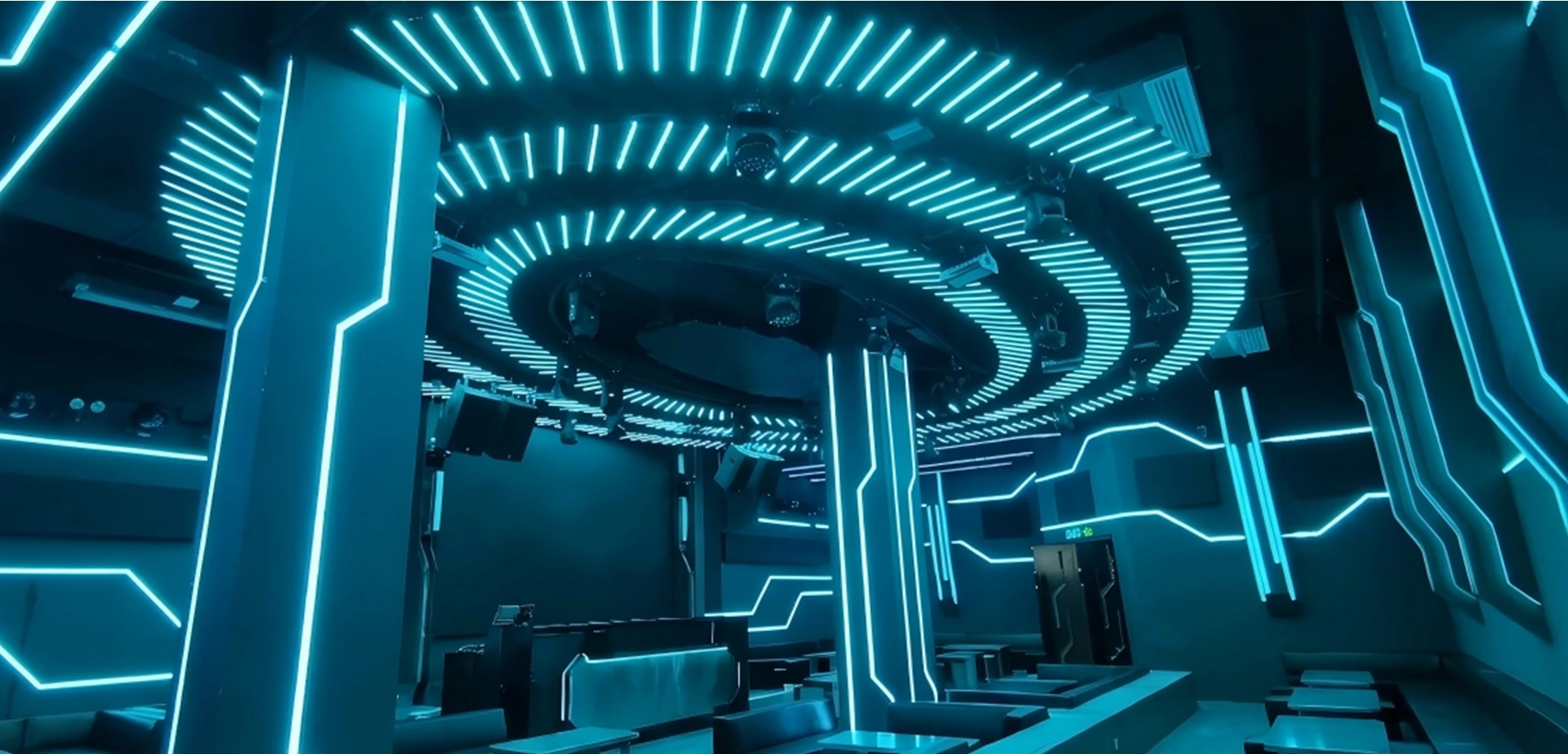
Discover the smart synchronization solution between the Seekway A608 Art-Net Controller and KTV control panels. Learn how to deliver an immersive, music-synced pixel lighting experience with 5-minute on-site commissioning—completely PC-free.
System Advantages: Why the A608 LED Controller & KTV Control Panel Integration is the Ideal Solution for Entertainment Venues
Integrating the A608 LED Controller with smart KTV control panels delivers a highly cohesive, all-in-one architecture that combines control, display, configuration, and unparalleled hardware stability. This streamlined integration simplifies project deployment, reduces maintenance overhead, and ensures hassle-free operation:
- Streamlined Bluetooth Commissioning via Smartphone: Utilizing the Seekway eSeeker APP, field engineers and venue managers can completely bypass PCs and complex network configurations. Within a 10-meter range, standard adjustments—including scene switching, brightness fine-tuning, and visual diagnostics—can be managed instantly via a Bluetooth connection , drastically accelerating project delivery while cutting labor costs.
- Dual-Mode Architecture for Interruption-Free Operation: The system features a robust "online + offline" dual-mode architecture. Complex dynamic lighting effects are stored directly on a local SD card and can be triggered instantly by the KTV panel. Even in the event of a total network outage, the A608 hardware guarantees that the venue's lighting continuity remains completely unaffected.
Preparation: Understanding the Linkage Principles Between the A608 and KTV Panels
Before configuring the hardware linkage, please identify the specific type of control panels deployed at your venue. The A608 LED Controller natively supports the two mainstream smart panel formats in the commercial entertainment market:
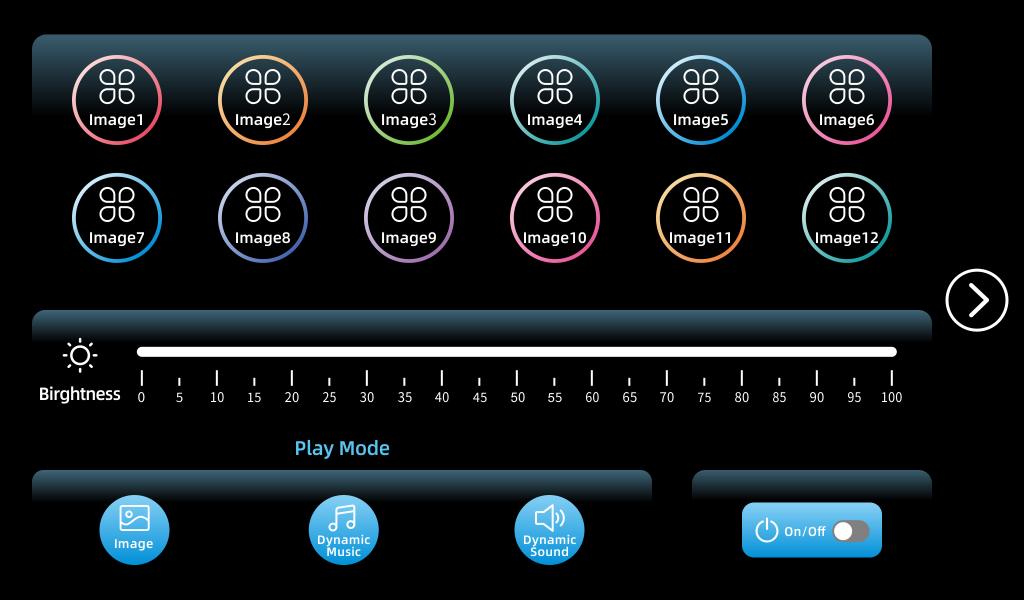
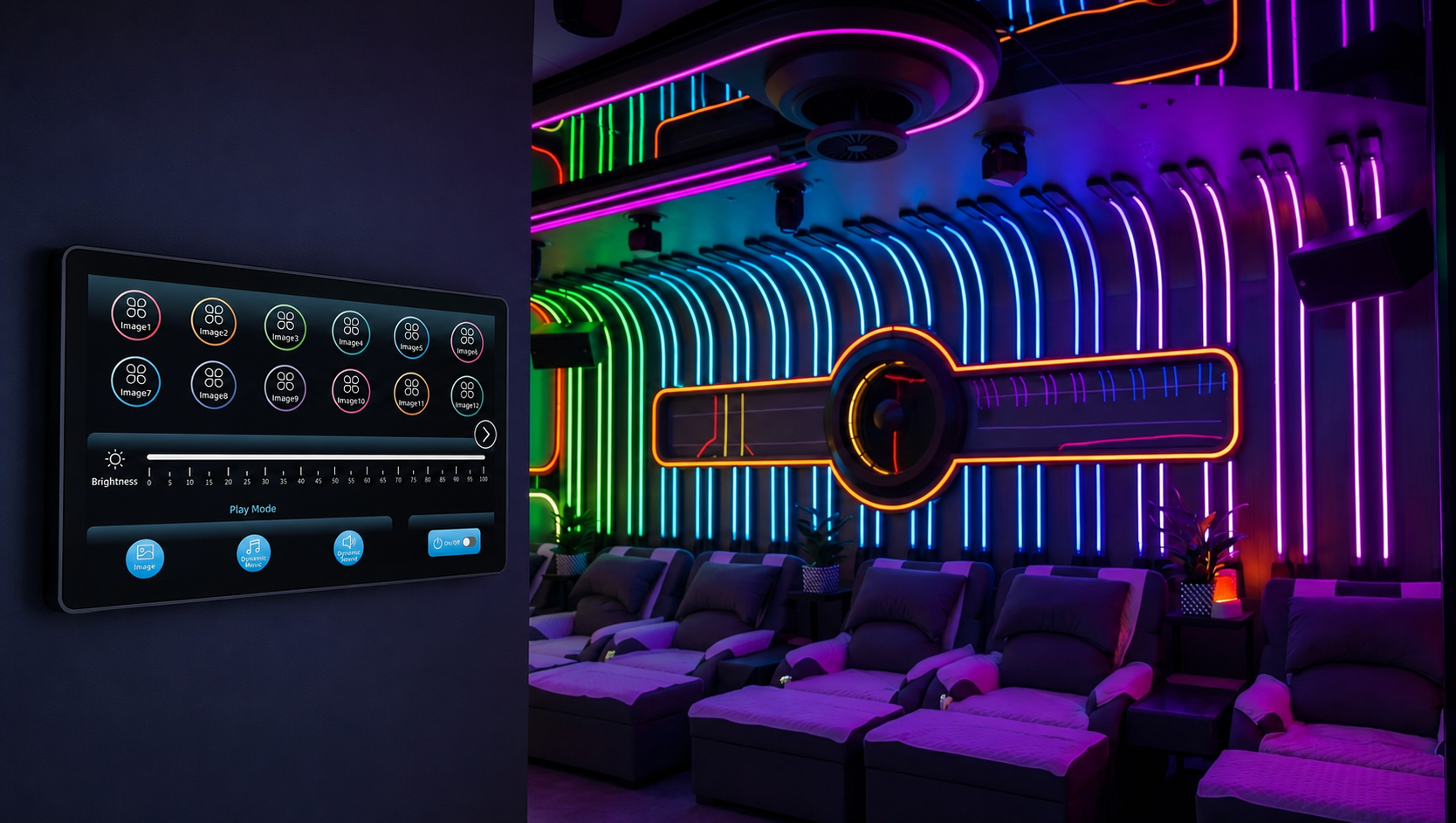
- Horizontal Touch Panels: Feature large-format capacitive touchscreen interfaces and dynamic user interfaces (UI). These are designed primarily for premium KTV VIP rooms and lounges.
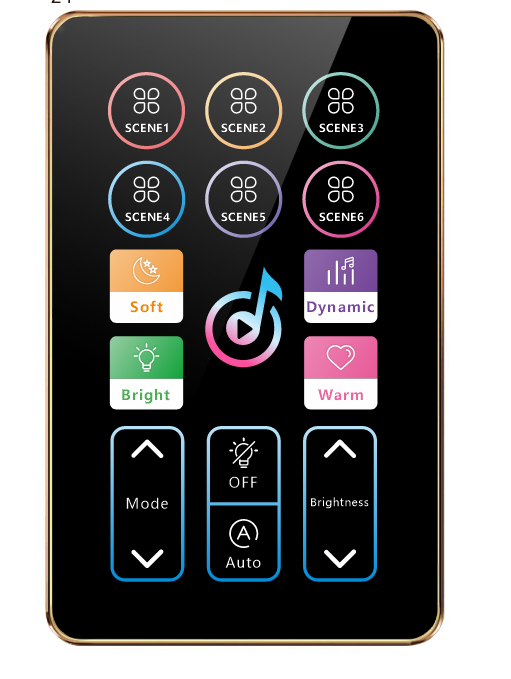
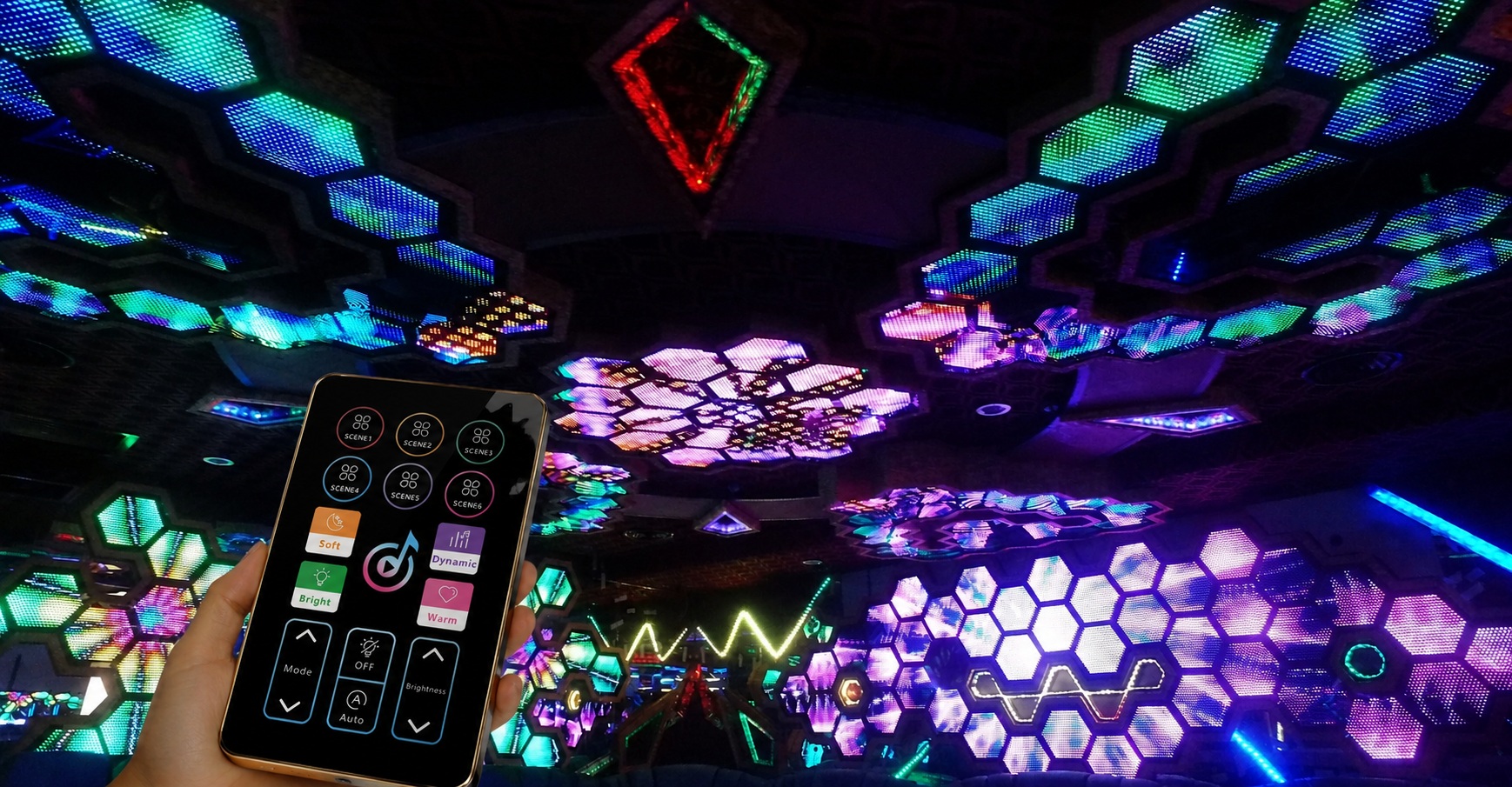
- Vertical Composite Panels: Combine classic physical tactile buttons with quick-access rotary encoders to deliver ultra-fast response times. These are optimized for open-seating areas, corridors, and medium-sized rooms where reliable, eyes-free manual operation is critical.
Step-by-Step Guide: Linking the A608 Art-Net Controller with Vertical Touch Panels
If your venue is equipped with intelligent vertical color touch panels, execute the following hardware-level configuration to complete the link without an external PC:
Physical Cable Connection
Connect the network communication cable from the vertical KTV panel directly into the designated "Panel" port on the A608 controller.
Unlock the System Menu
Press and hold the [MENU] button on the A608 front panel to unlock the device and access the main system menu.
Modify External Communication Protocol
Use the [-] or [+] navigation buttons to locate the Ext Comm (External Communication) parameter. Press confirm to enter the sub-menu, then change the Type to ETT N-1 (or the corresponding vertical protocol required by your hardware).
Save and Exit
Press and hold the [ENTER] (or [EN]) button until the screen confirms that the configuration was saved successfully. Press and hold [MENU] again to return to the home screen.
Operational Result
On-site staff or guests can now seamlessly adjust global brightness, trigger predefined party modes, or execute a master blackout directly from the vertical touchscreen interface.
Advanced Configuration: Linking the A608 with Horizontal Composite Panels
For horizontal composite panels that rely on physical tactile feedback, precise wiring topography and baud rate matching are critical to preventing signal degradation. Please strictly adhere to the following technical steps:
Strict Wiring Topography (Critical)
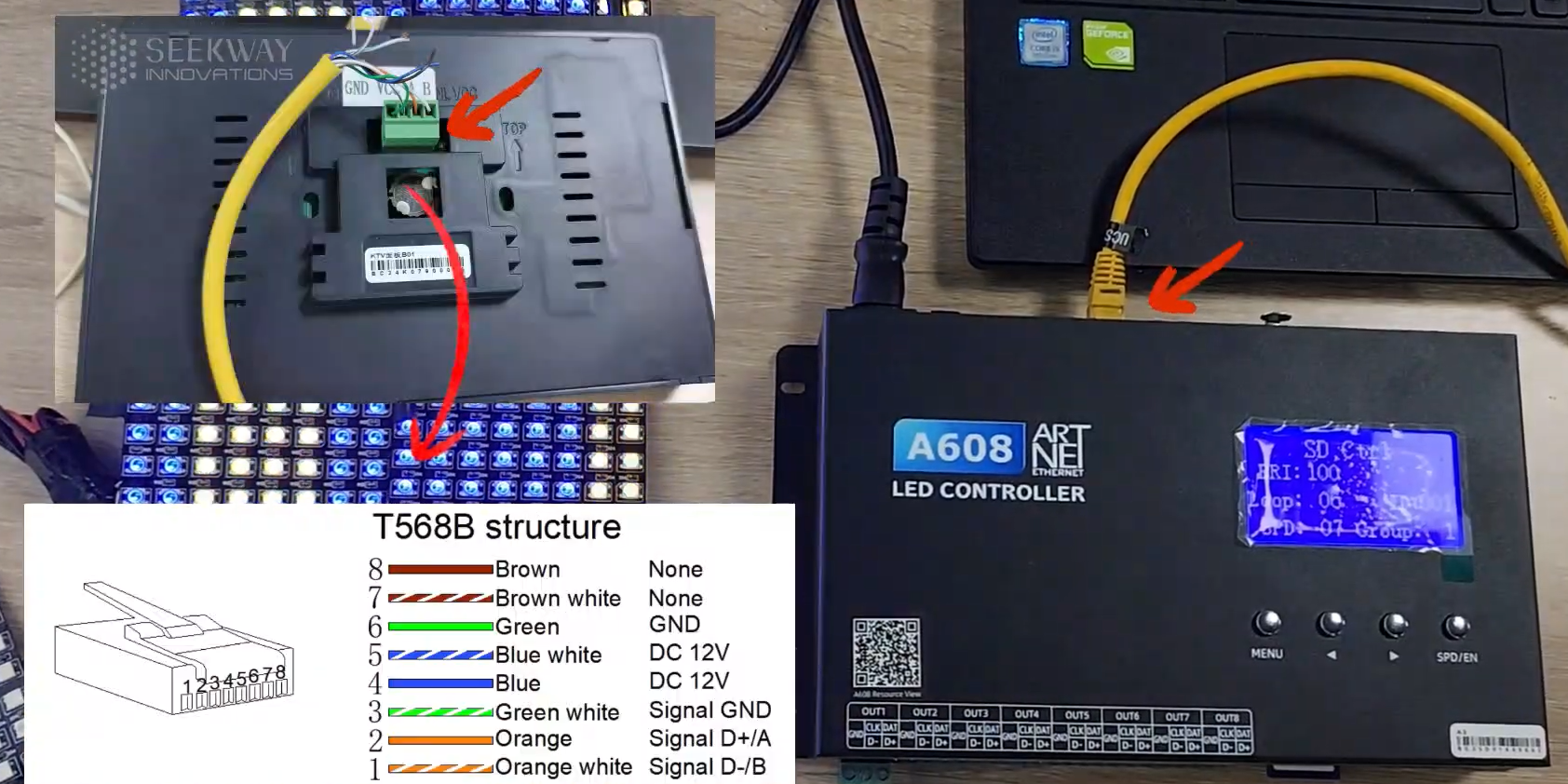
Wire the communication pins of the horizontal panel to the A608 Art-Net Controller following the standard T568B pinout. Double-check that GND, DC 12V, Signal D+/A, and Signal D-/B map perfectly. Incorrect wiring sequences may cause short circuits or permanent hardware damage to the mainboard.
Access the External Communication Menu
Press and hold the [MENU] button on the A608 to open the system menu, then scroll to locate the Ext Comm option.
Switch to the Horizontal Protocol
In the Type sub-menu, toggle the parameter to Com/KTV-B (the dedicated physical composite protocol optimized for Type-B panels).
Save and Exit
Press and hold the [ENTER] button to commit the changes to the firmware , then press and hold [MENU] to return to operational mode.
Operational Result
Once commissioned, users can instantly change audio tracks or trigger high-energy strobe/disco lighting profiles via the panel's physical buttons. Additionally, the analog rotary encoder allows for real-time, stepless, and linear dimming of the entire pixel network.
Next Step: Design Your Custom Intelligent Lighting Solution
If you are looking to deploy a comprehensive architectural or entertainment intelligent lighting infrastructure leveraging the A608 and Seekway Magic Player, our engineering team is available to evaluate your project blueprints and provide customized technical solutions.You can:
- Contact our Sales and Technical Support Team via email to discuss specific project RFPs, channel counts, and hardware requirements.
- Submit your project parameters through our "Contact Us" form to schedule a technical consultation or a remote product demonstration.